

It’s 2026. You might be thinking it’s high time people stopped making the mistakes they used to in 2016, yet here we are.
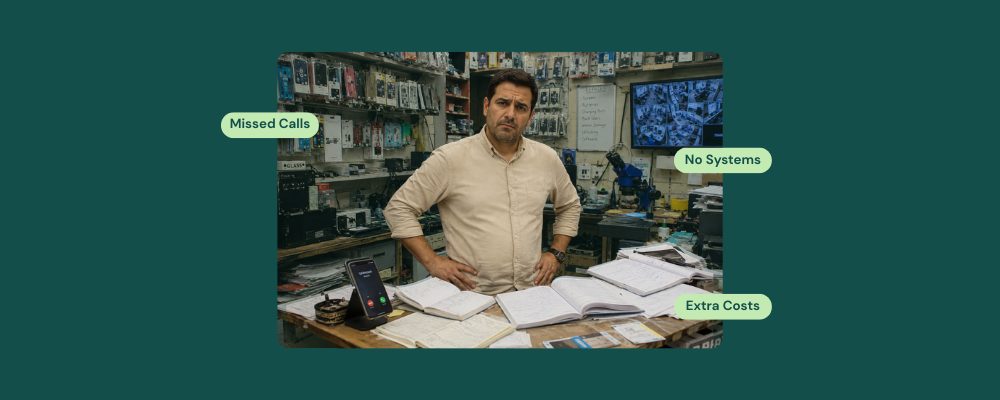
Our team analyzed over 200 customer calls at RepairDesk, and several of them reported the same three repair shop challenges.
- Missed Calls
- Disconnected Systems
- Unjustifiable software costs
A Daily Occurrence in Repair Stores
This instance is a common repair business problem for almost every other store. The technician is mid-repair on three devices on a busy day. However, the phone, which no one can get back to, keeps ringing, then goes quiet. That’s not just a missed call; it’s at least a $200 screen replacement, walking away from your store to the shop down the street.
The problem is easily fixable if you know your issues and the steps to take!
Problem 1: Missed Calls = Missed Revenue
A missed call in a repair business is not a minor repair challenge, especially in 2026.
It’s a lost ticket. A lost parts sale. It’s a lost customer relationship before it even started.
Most independent repair shops operate without any dedicated call management system. This means any call that comes in while the front desk is busy is missed, either because the counter is occupied or the owner is out of the store.
RepairDesk’s backup receptionist, ARIA, solves this issue by being available 24/7, scheduling appointments, taking calls, and recording all call history so the store owner can review it as soon as he has the chance. By using ARIA, you can also convert every incoming call into a repair ticket, eliminate the need to hire more staff, send automated follow-ups to your customers, and handle a large number of calls without being overburdened.
Problem 2: Juggling Multiple Disconnected Systems
The average independent repair shop in 2026 runs on four to six systems, including
- A ticketing app
- Separate inventory spreadsheet
- Standalone POS terminal
- WhatsApp number for updates and customer calls
- Notebook for customer callbacks
One thing is certain. None of these systems work in teams; rather, they run as independent platforms. Different people enter the same piece of information twice, sometimes thrice, each with their own version, leading to 80% of process failures.
In contrast, RepairDesk combines repair ticket management, inventory tracking, technician assignment, billing, and customer communication under one single POS system. It deducts parts consumed directly from the ticket, generates a professional invoice upon job completion, and syncs all information to the revenue report without ever requiring re-entry. On top of that, RepairDesk offers 40+ integrations that repair shop management software should have, helping repair shop owners stay connected and work more efficiently.
Problem 3: Can’t Justify Software Costs without Clear ROI
This is perhaps the most persistent problem on the list. Many repair shop owners keep broken systems running longer than they should. The question is not whether the software for managing the repair shop works.
It is, how do you know it’s paying for itself?
This answer is hidden in your reports. RepairDesk’s reporting dashboard tracks revenue generated per repair ticket, parts cost per SKU, performance rate of technicians per day, and average job turnaround time per device type. The repair shop owner has a clear view of which services generated the highest revenue, which technician closes the most jobs, and what bills are pending.
Understanding repair business numbers is important for assessing technician efficiency ratios and revenue per ticket data. It helps you calculate the ROI of your software, eliminating the major challenge that stores face nowadays.
Conclusion
All three problems share a root cause.
A repair business runs on tools that do not support it. However, RepairDesk’s repair shop management software consolidates each repair process, from the first inbound call to the final invoice, into a single platform built specifically for the repair industry.
It’s about time you bid farewell to systems that are doing nothing for you!
FAQs
1. Do I need to hire more staff to handle my calls in my repair store?
Not at all. Processes like calls require automation, not extra hiring. You can choose ARIA to support your customer communication. It can record incoming calls, schedule appointments, create a ticket, and manage your queries when you are not available.
2. How long does it take to start with RepairDesk?
Your onboarding process can take seven days. We transfer your existing data into our software so you don’t have to start over. However, the time may change depending on your store’s data.


