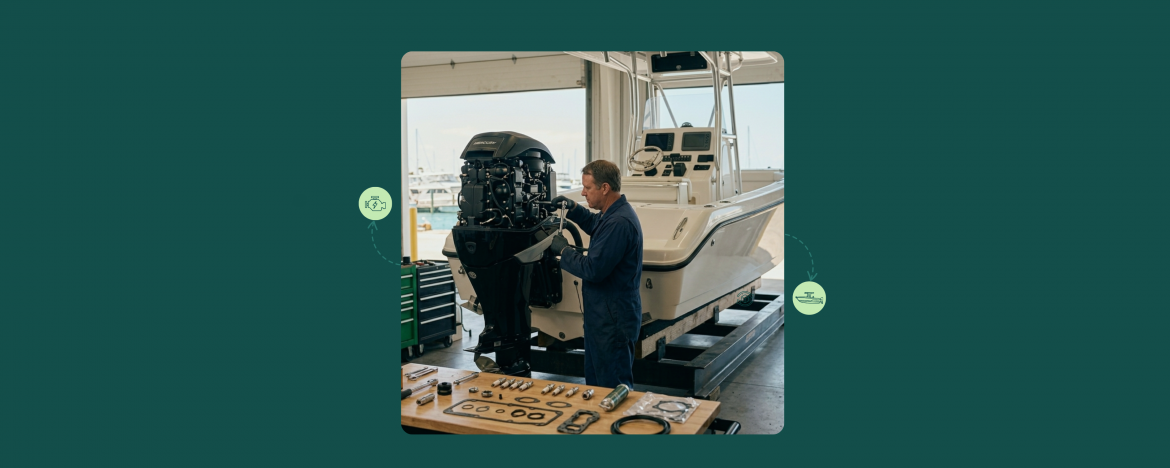
Boat repair has its own rhythm. The jobs are bigger, the parts take longer, and the same customers come back season after season with the same boats. If your software is built for fast-turn repair, it may not be able to keep up. A two-week engine rebuild needs different tools than a quick walk-in repair.
That’s where most marine repair shops struggle. Generic shop software treats every job the same. However, boat repairs need a software that handles parts waits, long jobs, repeat B2B clients, and full service history.
This guide shows how boat repair shops use RepairDesk’s marine repair shop management software to keep parts visible, jobs moving, and repeat customers coming back.
Why Generic Shop Software Fails Marine Repair
Most repair store software is built for fast, same-day jobs. The boat doesn’t come in, get fixed, and leave by closing. Marine work doesn’t move that way.
Here’s what marine shops actually deal with:
- Multi-Week Parts Wait: An impeller, a carburetor kit, or an outdrive gear can take days or weeks to ship in. The ticket has to stay open and visible without blocking the bench.
- High-Value Repeat Customers: Boat owners come back every season. Charter operators, rental fleets, and B2B clients come back every month. The software needs to remember who they are and what was done last time.
- Multi-Technician Jobs: Most repair jobs involve a mechanic on the engine, a tech on the electrical, and someone on the trailer. Handoffs need to be clean.
- Seasonal Cash Flow: Marine shops make most of their revenue in the summer. Inventory, scheduling, and customer follow-up all have to flex with that.
Software built for fast counter work can’t track any of this. You end up running the shop on spreadsheets, paper tickets, and memory. That breaks down the minute you grow past one tech. If you’re new to the trade, here’s how to start a boat repair business. Once you’re up and running, RepairDesk takes over the rest.
What a Boat Repair Shop Software Actually Needs to Track
Before evaluating any platform, get clear on the three things a boat repair shop has to keep visible at all times:
- Parts and where they are: Which jobs are waiting on parts? Which parts arrived today? Which orders are late? If your parts manager can’t answer those questions, you have a visibility problem.
- Jobs and where they are on the bench: Which boats are in for service right now? Which are mid-repair, which are awaiting customer approval, and which are ready for pickup?
- Repeat Customers: A returning customer doesn’t want to re-explain that you replaced their bilge pump in March. The system has to remember.
A marine repair management software worth paying for needs to handle all three. Here’s how RepairDesk does it.
Tracking Boat Repair Parts
Parts waits are the silent killer in boat repair. A job that you can complete within 3 days takes up to several weeks because the impeller didn’t ship and no one noticed that. However, when you use RepairDesk, you can fix that:
Parts-On-Hold Status
Every ticket can be marked as waiting on parts. Add a note on which parts and which supplier. Your parts manager can pull up one view that shows every blocked job. Nothing sits forgotten.
Low Stock Alerts
Whenever a boat repair part or accessory like rudder, propeller, engine mount, etc. gets low in the inventory, marine service tracking software automatically notifies you. So, you don’t run out mid-job during the peak season. This is how low stock alerts keep repair shops in control.
Repair Job Tracking
Marine repair jobs rarely finish the same day. A single tune-up can take up to several days, or sometimes weeks. Also, a winterization job behind it waits its turn. When you use repair ticket management system from RepairDesk, you can handle repair tickets without losing visibility:
Custom Workflow Statuses
Set the statuses that match your shop: Intake, diagnostic, parts ordered, awaiting customer approval, in repair, quality check, ready for pickup. Every ticket moves through the pipeline visibly, so no job hides at the back of the bench.
Assign Jobs to Technicians
Assign different jobs to your technicians. Also, you can easily track who did what, when, and how long it took. When a boat owner asks who worked on their engine last visit, the answer is one click away.
Pre- and Post-Repair Checklists
Whenever a boat comes in for a repair, you can prepare a checklist, showing the condition at intake and the work done at handoff. This protects you in disagreements, and saves your business from future issues. It also gives the customer a clear record of what was done.
Repair Tracker
Customers can check repair status from your website without calling the shop. For a boat repair shop like yours, handling multiple active jobs in peak season, this alone cuts inbound status-check calls by half.
Tracking Repeat Customers
Repeat customers are where boat repair shops earn most of their revenue. Charter operators, rental fleets, boat clubs, and seasonal owners often make up 70-90% of annual revenue. The shops that win this segment are the ones that make returning customers feel known.
Customer-Level Repair History
Every repair tied to a customer profile is visible the moment they walk in. You can see every boat they have brought in, and every repair you have done. In addition, you can also view every part used, and every conversation logged on the ticket. No more flipping through paper files or asking “what did we do for you last time?”
B2B Customer Portal
For charter operators, rental fleets, and marina contracts, RepairDesk includes a B2B customer portal. Your wholesale clients can create their own repair tickets, check status, view notes, and pay invoices online. No more phone tag for estimates.
Device and Equipment Records
Track every boat, motor, or piece of equipment a customer brings in. When a 35-foot center console comes back six months later, your technician can pull up the last service note before the boat is even in the bay.
Automated SMS and Email Updates
RepairDesk automatically updates customers when the repair is complete or when there is a change in the repair status of the boat. Parts arrived. Quote ready for approval. Boat ready for pickup. Less time on the phone for your team, faster pickups for you.
A Real Boat Repair Workflow in RepairDesk
Here’s what a typical marine repair job looks like from intake to pickup:
- Intake: The boat comes in for diagnosis. The front desk creates a ticket, attaches photos of the damage, and captures the customer’s signed terms on the customer-facing display.
- Diagnostic: Technician runs diagnostic, documents findings in the ticket, sets status to “Quote Pending.” RepairDesk sends the customer an estimate by SMS with an “Approve” button.
- Customer Approval: Customers approve the estimate online. The status auto-updates to “Parts Ordered,” and your parts manager pulls the part list from the ticket.
- Parts Arrive: Parts received against the ticket. Status moves to “In Repair.” Customers get an automatic SMS letting them know work has started.
- Repair Complete: The technician completes the job, runs a post-repair checklist, status moves to “Ready for Pickup.” The software sends an email or SMS with the final invoice and pickup instructions.
- Pickup: Customers pay through the integrated POS software.
That entire workflow runs through one system. No spreadsheets. No paper. Complete automation.
Why Boat Repair Shops Switch to RepairDesk
The marine shops moving to RepairDesk usually have the same complaint: their current system either does too little or too much. RepairDesk is built around the repair workflow itself. This means the parts, the jobs, and the customer history all live in the same system.
A few features marine repair shops use most:
- Multi-Location Support: If you run multiple yards or service points, inventory and customer data sync across all of them through inventory management software.
- Mail-In Repair Workflow: For shops handling parts repair, electrical components, or remote service requests by mail.
- QuickBooks and Xero Integration: Invoices, payments, and reconciliation sync without manual entry.
- Free Guided Migration: RepairDesk’s team handles the data import from your current software or spreadsheets at no extra cost.
Final Word
If you run a boat repair shop, you don’t have to struggle with managing ongoing processes. Parts waits, multi-week jobs, and repeat seasonal owners are the rhythm of marine repair, not exceptions to work around.
RepairDesk’s boat repair shop software is built around that rhythm. Parts visibility, multi-stage job tracking, customer history, all in one platform. The platform also offers free onboarding and a team that knows repair shops.
Ready to see how it works for your shop?
FAQs
1. How to Track Repairs at my Boat Repair Shop?
Use a repair ticketing system that supports custom workflow stages, parts tracking, and multi-technician handoffs. RepairDesk does it all for you. It helps you create a repair ticket and add all the information required. when the repair job is complete, it automatically notifies the customer. So, there is also no delayed communication.
2. What’s the Best Boat Repair Shop Software and Why?
The best boat repair shop software is one built around how marine repair actually works. it should be able to track jobs, inventory, and keep record of repeat customers. RepairDesk does this all.