
What’s the biggest fear that comes to your mind when you think of shifting to a new software?
Losing repair history?
Starting from scratch?
Unable to learn the new software?
You have built a system and held it together; it is occasionally problematic, but it’s yours. You know where everything is. Your staff is aware of it, but it causes delays and errors, forcing you to consider more options.
These issues are entirely rational, and every time you consider switching, you wonder: What if the new software is worse than the system I am already using?
Almost 75% of software users stop using it within the first week because the onboarding is unclear and overwhelming. It may not be that the software was bad, but that they had no support to help them get started.
This is why RepairDesk is the best easy repair shop software for you, not only because of its features but also due to its top-notch customer service.
Let’s take a look at what the process is designed to look like, so you can assess the risk yourself before making any decision.
What Switching POS Systems is Like with RepairDesk
Most repair shop owners have this image of changing software.
Chaos. Staff confused. Data lost. Jobs missed. Constant tech problems.
The reality is that RepairDesk is different because you are not alone in this process; there’s a whole army to support you through this process!
Once you sign up, we assign you a dedicated customer success manager. Their job is to provide a comprehensive onboarding experience and answer all questions you might have. That person stays with you through setup, data migration, hardware configuration, and staff training. You don’t just get a bunch of articles or a chatbot; you get an actual expert during this transitional phase.
This onboarding structure applies regardless of which platform you are switching from. It means that whether you are switching POS systems, using a paper system, or competitor software, you will receive the same support and guidance to get your store running using RepairDesk.
Your Existing Data is Completely Transferred
Another fear behind switching POS systems is data loss. One might have years of customer records, repair history, and invoice data that are sitting in the old system.
RepairDesk imports your sales records, repair ticket history, inventory catalog, and customer data, including name, email addresses, and phone numbers, via CSV. A dedicated support specialist helps you with the setup, and the customer support team is there to answer your queries 24/6.
Your entire repair history is preserved, so your store can resume operations exactly where it left off, not from zero.
Such a process is precisely how the onboarding process should look.
Your existing data arrives before your first live ticket → Your staff is not starting from scratch → The specialist is reachable to respond to your questions
The Easy-to-Use Interface Suitable for Non-Tech People
Easy repair shop software is not software that does less work but rather one that handles all major tasks without overcomplicating them.
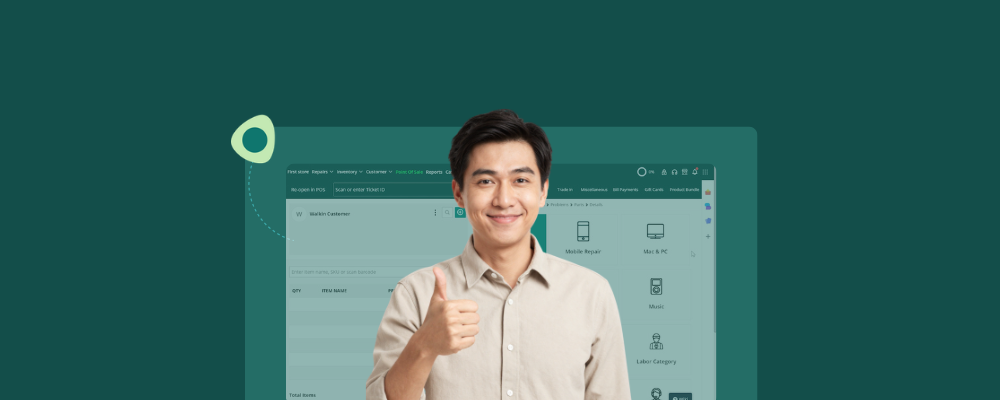
The POS interface of RepairDesk is designed around four things a repair store does on a daily basis
- Create a ticket
- Assign it to the relevant technician
- Log part details
- Generate an invoice
Each action is placed meticulously on the POS screen. There are no irrelevant tabs and no features competing for attention. It is a clear, user-friendly interface.
The best thing about the software is that it does not require advanced technical knowledge to run. A technician who has never used RepairDesk can easily open a ticket, log the parts used, update the ticket’s status, and close the job, all while using the same screen.
Training employees on the POS software is recommended, and with RepairDesk’s interface, technicians and staff can learn it faster than expected.
Strategic Support that Responds 24/6
A common problem with software is that, although it appears operational, several issues arise during use. The worst part is that wherever a repair store owner hits an issue, he has to wait a long time to connect with the support team.
This slows down his operations and can potentially cost him revenue.
However, RepairDesk offers its customers 24/6. It responds promptly to issues, which matters especially during the first few days after going live with the software.
The Honest Answer to “How Long Does it Take to Go Live?”
Most repair shops complete the onboarding process within a week. The structured implementation process completes the data migration, hardware setup, and staff training. However, the exact timeline of the store going live with the software still depends on the repair store’s size, data specifications, and hardware configuration.
Conclusion
The discomfort of switching POS software is real and valid. However, with the right software, it’s a one-time leap of faith. RepairDesk’s easy repair shop software is built to make this change as short and full of support as possible. This way, a store hesitant on Sunday will confidently be running by Friday!
FAQs
1. What happens if something goes wrong during the switch?
RepairDesk’s team is there for you 24/6. You can connect with them via phone, live chat, or WhatsApp. If a data import fails, a hardware connection fails, or a staff member cannot locate a feature, the answer is just a message away.
2. Is RepairDesk genuinely an easy repair shop software?
Yes. When it is said that RepairDesk is easy repair shop software, it does not mean it has fewer features; rather, it offers a dynamic combination of features and integrations that allow you to run your store as effectively as possible.


