

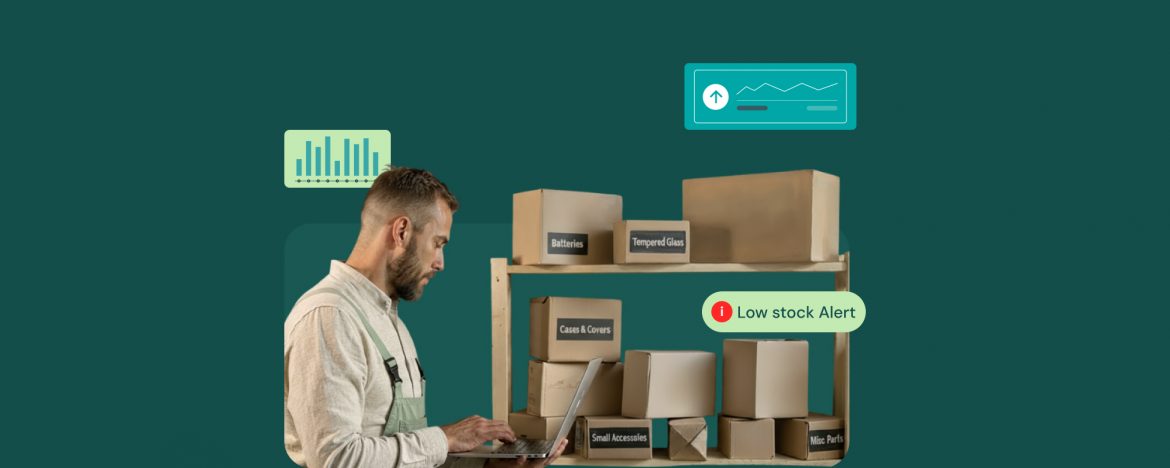
How often do you miss a rush order due to unavailable inventory?
As a repair shop owner, you’re familiar with the frustration of not having the right spare parts at the right time. Similarly, you also don’t want to overstock your inventory with items that will sit there forever.
Although your repairs are reliable and customers are happy, the lack of inventory visibility is a big hurdle in repair shop growth. That’s where you start to feel the need for a repair shop management software tailored for your business.
Inventory Reports and Their Role in Repair Shops
It’s one thing to master parts sourcing from the best OEM parts suppliers. But knowing what to order, and when to order it, is a different game entirely. When you’re running your business through RepairDesk, you unlock inventory reports that provide detailed insights into your inventory numbers and trends.
It puts you in the driving seat with a complete view of what’s happening across your parts, suppliers, and repairs. Not only that, but an inventory management report shows what’s selling fast, and when to reorder to avoid stockouts. Instead of relying on gut feeling, you start making data-backed decisions that align perfectly with real customer demand.
You can view how many pieces were used on tickets and which suppliers they came from. This level of visibility makes purchasing far more predictable because you’re no longer guessing what to order next.
The Smarter Approach to Inventory Management
One of the smarter ways to use inventory reports is to study your part consumption patterns. By reviewing Ticket Item and Part Consumption reports inside RepairDesk, you can identify which parts are most commonly used for popular repairs.
Picture this. If iPhone 13 screens or charging ports consistently show up in your top consumption list, that’s your cue to stock them in advance. This way, you’re always ready for recurring jobs without having to rush orders or disappoint walk-in customers.
That’s not all. You also get low stock reports and complete inventory summary reports. These help you track minimum quantities and supplier lead times. For instance, you can see that your most reliable vendor takes five business days to deliver replacement screens.
How to Use Inventory Reports at Your Repair Shop
With inventory reports, you can plan purchases early and avoid waiting with open tickets and frustrated customers. That means you don’t just monitor your stock, you act on it instantly.
Avoid Overstocking
While it’s tempting to keep every part “just in case,” excess inventory ties up your capital and eats into your margins. Inventory reports highlight which parts haven’t moved in weeks or months. This not only helps you clean up slow-moving stock but also makes better decisions for such items in the next purchases.
Your repair shop software simplifies this process by recording every stock adjustment, helping you identify trends and maintain an accurate valuation of your inventory over time.
Low-Stock Alerts
If you’re just getting started, a simple routine can make a big difference. Begin by running a part consumption report for the past 90 days. Focus on the parts that appear most often on your repair tickets, then compare them with your low-stock report to find gaps. Adjust your reorder points and enable low-stock alerts so you’re always notified before you run out.
With just a few clicks, you’ll turn your inventory from a source of chaos into a system that practically manages itself.
Key Takeaways
Inventory reports are designed to give every repair shop owner clear visibility of their stock, saving hours of manual checks each week. They turn every inventory order into an informed decision, as you are not relying on guesswork anymore.
Accurate reporting isn’t just about knowing what’s in stock; it’s about building a smarter, leaner repair operation. When real data drives your inventory purchasing decisions, you can take up more rush orders and have to say ‘no’ to fewer customers.
Frequently Asked Questions
1. What are Inventory Reports in RepairDesk?
Inventory reports in RepairDesk are detailed summaries that show how your parts move through your repair business. They highlight what’s selling, what’s low on stock, and which items are overstocked, helping you make smarter purchasing decisions without guesswork.
2. How often should I review my Inventory Reports?
Most repair shops benefit from reviewing inventory reports weekly or bi-weekly. This keeps you aware of fast-moving parts, supplier delays, and changing repair trends so you can reorder before stockouts affect your workflow.
3. Can Inventory Reports help reduce overstocking and waste?
Yes. By analyzing inventory reports, you can identify slow-moving parts, adjust reorder quantities, and reallocate your budget to high-demand components. This helps free up cash and storage space while reducing write-offs from obsolete stock.
4. How do I automate purchasing with inventory reports in RepairDesk?
RepairDesk allows you to set minimum stock levels and reorder points directly from your inventory reports. When inventory falls below your defined threshold, the system can automatically generate a purchase order, saving you time and ensuring you never run out of critical parts.


