


How do you manage 100-plus items at your repair shop when every job needs photos, notes, and a status you can trust?
For Clare Horvat and the team at Excel Shop, that question became urgent. They stepped into a repair business that had served Louisville for decades.
Behind the craft, the repair shop still relied on an unsupported system and manual tracking to manage incoming repairs. They handled about 50 jobs a month, juggling emails and paper, while photos followed a separate camera-to-computer upload tied to a custom job ID.
After switching to RepairDesk, Excel Shop brought operations into one place, so tracking, photo documentation, and payments could move through one connected workflow without pulling focus from the craft.
Business: Excel Shop
Specializes in: Antique furniture repair and restoration, including refinishing, upholstery, and caning
Location: Louisville, Kentucky
The Business
Excel Shop is a furniture repair and restoration business in Louisville, Kentucky, with more than 60 years of history.
In 2023, Clare Horvat and their partners acquired the company, taking over a well-known local name with a loyal customer base built on quality that lasts.
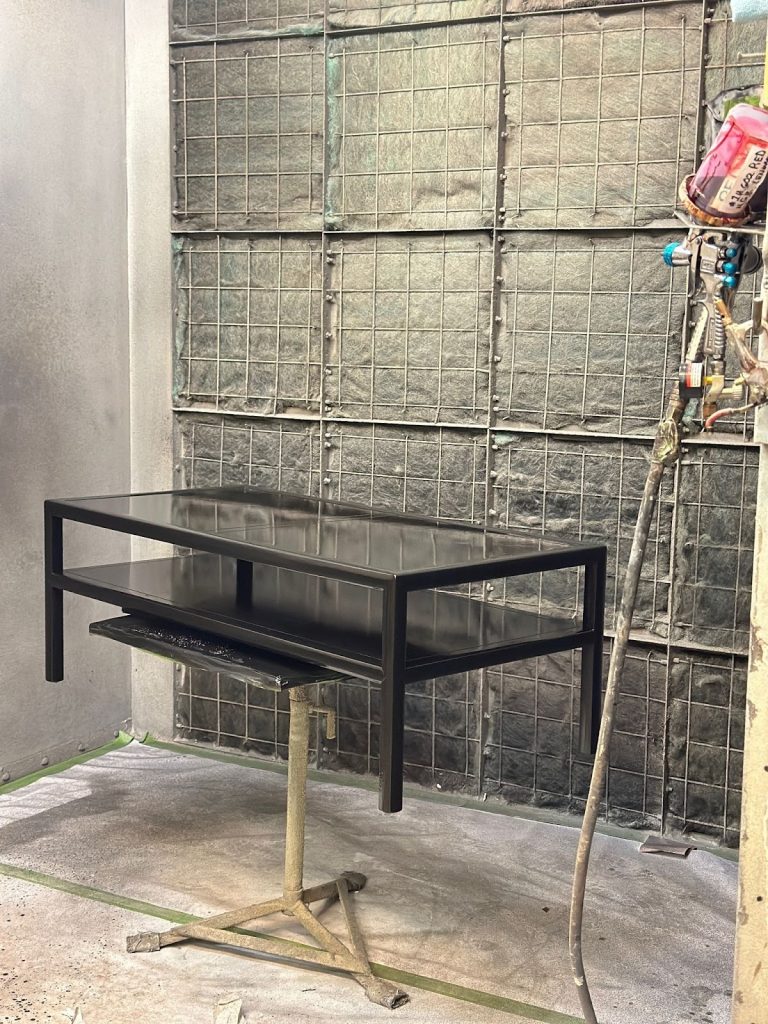
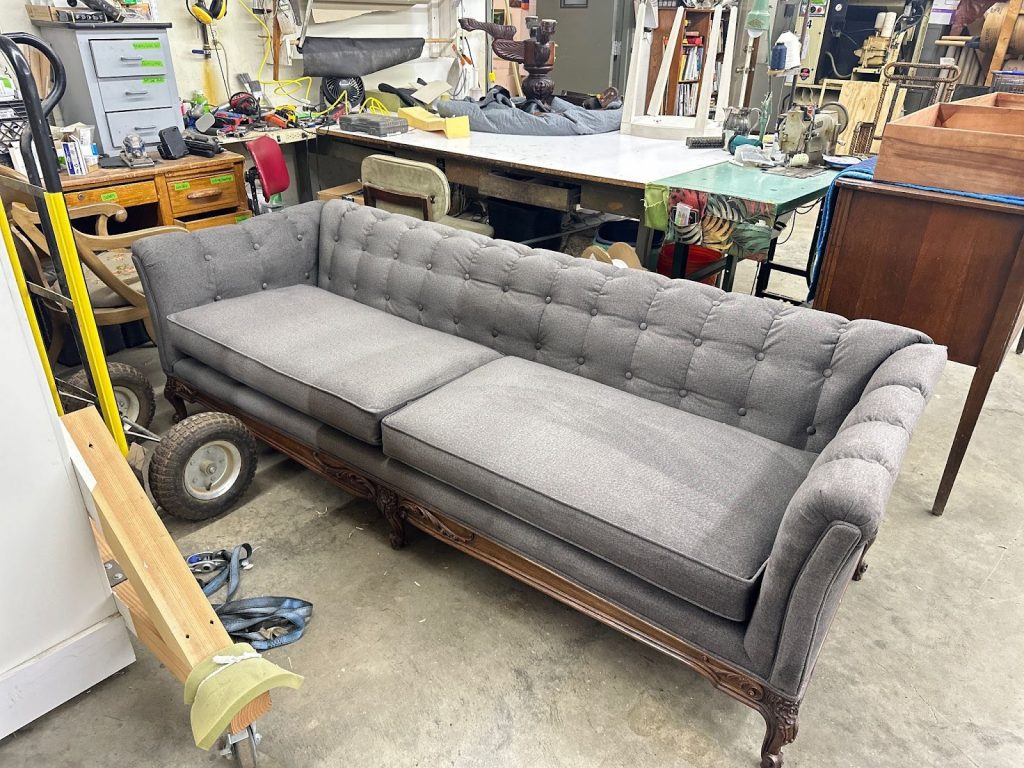
The work itself is classic hands-on restoration. Excel Shop specializes in antique repair, including furniture stripping, sanding, wood shop repair, custom manufacturing, finishing, upholstery, and caning.
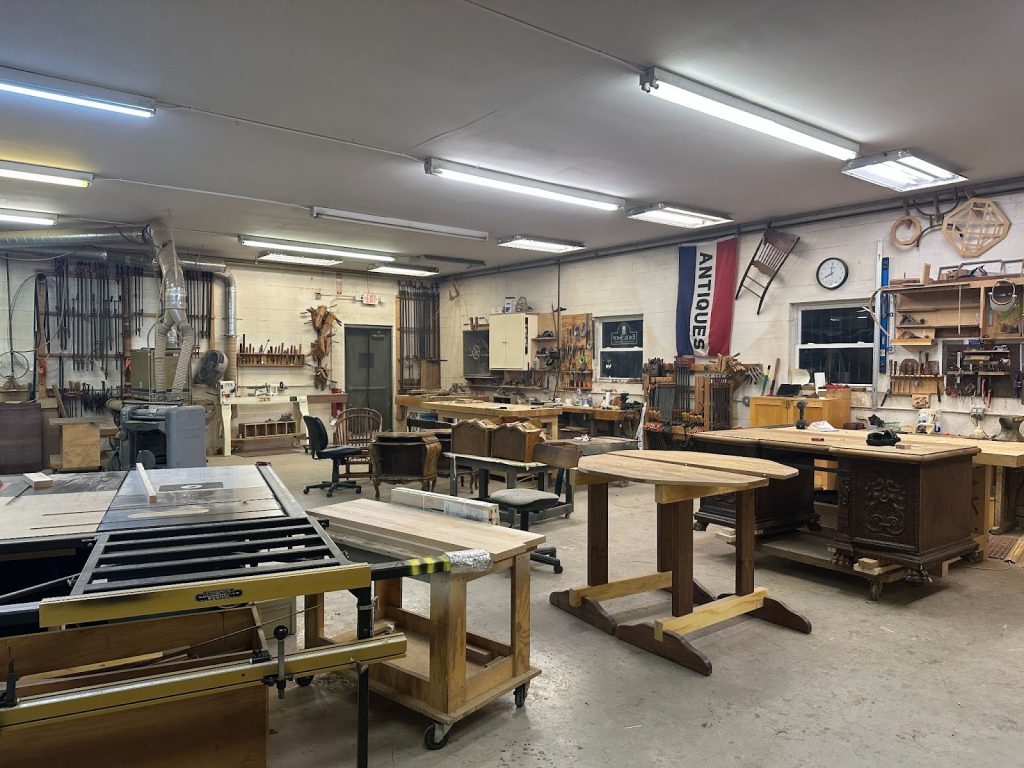
They lean into traditional craftsmanship in a way most modern shops do not. Clare describes a team that still does a lot by hand, still uses older equipment, and still finishes many pieces using lacquer, because that fits the era of the furniture they restore.
That long-term trust shows up in small moments. “There was a chair that we had that we just redid some caning on, and we stained it, and an old job tag was actually still on the underside of it from when the chair had come through the shop before,” recalls Clare. It is the kind of detail you only see when customers keep the same pieces for years and keep bringing them back to the same shop.
The Challenge
Excel Shop was doing well, but the workflow behind the scenes was not built for the volume they were handling. Clare estimated they take on roughly 50 jobs a month, and at any given time, they can have 100-plus individual items inside the shop. With that many pieces moving through different stages, tracking has to be airtight.
Instead, the shop was still running on a mix of a legacy Alpha system and manual processes that depended on people remembering steps. Jobs could be tracked, but the experience was clunky, and the system was not evolving with the business.
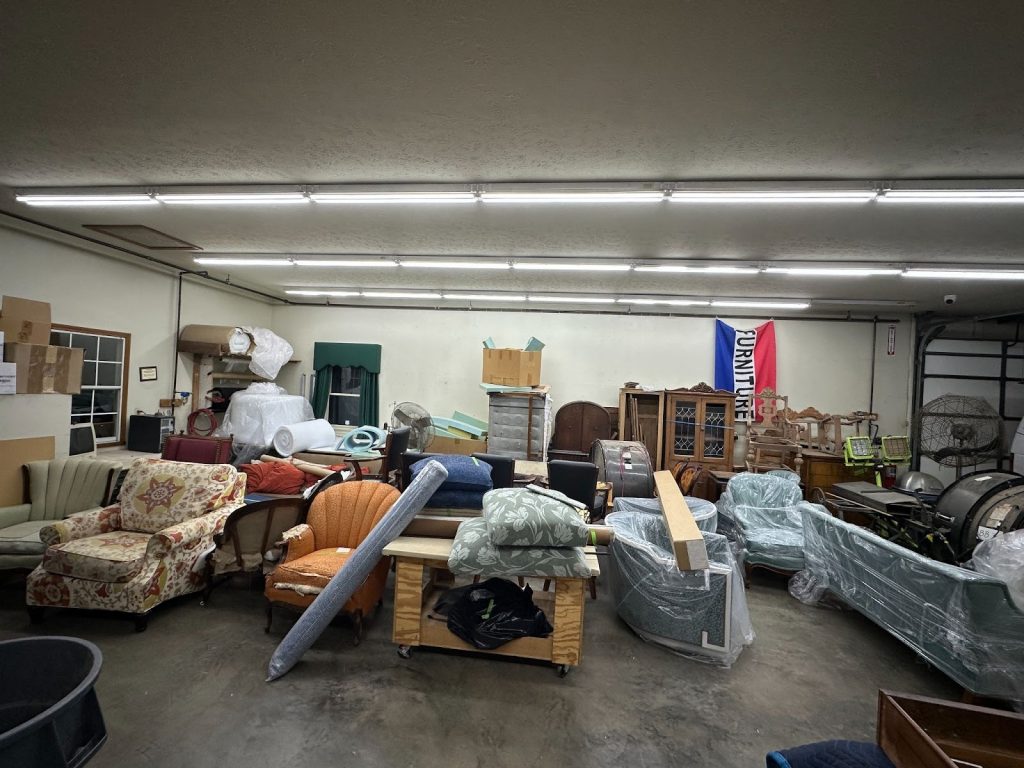
Photos were the clearest example. “They were taking those photos on an actual handheld camera and then… plugging it into the computer and uploading it into a separate system… with a custom-written job ID on them, and it wasn’t integrated into the same system,” says Clare. That extra loop added friction and created delays, especially when the shop got busy.
Customer communication was also split across places. Emails, paper notes, and internal handoffs were all part of the process, which made it harder to stay consistent and fast when customers were asking for updates.
The risk was simple. When tracking is fragmented, time gets lost, details get missed, and customers feel it. They needed one system that could keep jobs, photos, and payments moving cleanly from check-in to checkout.
The Solution
Excel Shop needed to get out of the business of patching together disconnected steps. The goal was to centralize repair tickets inside one system, so the team could track every piece with confidence from intake to delivery.
RepairDesk gave them that central hub. “The value of RepairDesk is that it is easy to track everything, keeping it all organized in one area,” says Clare. Tickets could be created, assigned to the right people, and moved through clear stages, so the team always knew what was in progress and what was next.
Photos stopped being a separate process and became part of the job record. The team could reference condition, progress, and details without hunting through devices or folders, which helped keep work consistent as volume stayed high.
Payments also became simpler and easier to close out. Instead of chasing invoices across tools, Excel Shop could collect payments in a more streamlined way, including sending pay links when needed, and keeping the financial trail tied to the actual job.
Just as importantly, the workflow became visible across the shop. Everyone could see what was waiting, what was active, and what was ready for the next step, which made coordination smoother.
A Single Source of Truth for Every Job
Excel Shop needed a system where everyone could see the same reality at the same time. With dozens of jobs coming in each month and a shop floor full of pieces at different stages, tracking could not live in people’s heads or on scattered notes.
RepairDesk became the central place where each job lives as a ticket, with clear ownership and a trackable status. “We set up custom filters in RepairDesk for each team member, using statuses and assignments so everyone can instantly see what’s assigned to them,” says Clare.
That structure made the workflow clearer. The front desk could stay aligned with the shop floor, and the team could move work forward without losing time to internal follow-ups and confusion.
Photos Moved from a Separate Step to Part of the Job
Before RepairDesk, photos were not part of the workflow. They were an extra job. That meant taking pictures on a separate device, moving them to a computer, then uploading them into a different system tied to a manually written job ID. It was workable, but it created friction and delays, especially when the shop got busy.
With RepairDesk, photos became part of the job record itself. “Our team can easily see the photos in the system, and we keep the notes there too. Any client communication gets nested in the additional notes section,” adds Clare.
That shift matters in restoration work. Condition, progress, and context stay attached to the job, so the team can work faster and stay consistent without adding extra steps.
Payments Closed Out Inside the Same Workflow
Payments used to sit outside the operational workflow. The shop could take payments, but the financial trail was not truly connected to the job record, which made closeouts less clean and made it harder to maintain a unified view of the work.
To fix that, billing was brought into the same flow as the ticket through RepairDesk Payments. RepairDesk provided “an easy setup for an integrated credit card processor,”which made payment and billing “much simpler to manage,” explains Clare.
With payments tied to the job, the team can close out work with fewer loose ends and less manual checking across systems.
The Impact
For Excel Shop, the biggest shift was not just moving off a legacy setup. It was turning a fragmented process into one workflow that the whole team could rely on. With jobs, photos, notes, and payments living in the same place, the shop could stay organized even when the floor was full, and customers needed quick updates.
Here is what RepairDesk helped them achieve.
- Clear ownership and visibility across jobs, so the team always knows what is assigned, what is in progress, and what is next
- Less internal back and forth, because tickets, statuses, and assignments keep everyone aligned
- Faster access to job context, since photos and notes live inside the same record instead of sitting in a separate process
- More consistent documentation and updates, especially when volume is high, and details matter
- Cleaner closeouts, because payments are tied to the job rather than being tracked separately
- A smoother end-to-end flow, with fewer loose ends and less manual checking across systems
Clare’s Advice for Shop Owners
After moving Excel Shop into a single workflow with RepairDesk, Clare shared two operating lessons she will recommend to any service shop.
First, stay brutally honest about costs and output. “Pay ruthless attention to your costs,” she says, because in a small business, productivity and margins can swing fast.
Second, treat response speed like a growth lever. On quote and estimate inquiries, Clare shared that pushing for a roughly one-minute response time “skyrocketed” their close rate.
The Takeaway
When a shop has a lot of moving pieces, the risk is not the craftsmanship. It is the gaps between steps. If tickets live in one place, photos live somewhere else, and payments sit outside the job record, the team ends up doing extra work just to stay coordinated.
RepairDesk helped Excel Shop pull those pieces into one connected workflow, so tracking, documentation, and billing stay tied to the same job from start to finish. Clare also points to the ongoing support behind it. “RepairDesk keeps improving, and the support is impeccable. If there’s an issue, someone helps fast, and you’re open to feedback,” she says.
For Excel Shop, RepairDesk did not change the craft. It protected it. By keeping tickets, photos, notes, and payments together, the team can stay organized when the shop is full, keep customers updated with less effort, and close out work without juggling disconnected tools.


